
Subrecipient monitoring
Subrecipient monitoring software for pass-through entities
When you pass federal grant money to another organization, you answer for how it is overseen. GrantGuard keeps the file an auditor asks for: the agreement, the risk rating, the monitoring and the audit check, for every subrecipient.
What an auditor asks to see
Subrecipient monitoring is one of the most common Single Audit findings, usually because the risk rating, the monitoring or the paperwork was never done. These are the four things the rule expects for each subrecipient.
A subaward with the required details
The federal award number, the amounts, the period, the indirect cost rate, records access and closeout terms.
2 CFR 200.332(b)
A written risk rating
For every subrecipient, dated, based on its experience, past audits, staff and systems.
2 CFR 200.332(c)
Monitoring that matches the risk
Reviews of their financial and performance reports, with site visits where the risk calls for it.
2 CFR 200.332(e) and (f)
A yearly audit check
Proof you confirmed each subrecipient was audited when it had to be, and followed up on findings.
2 CFR 200.332(g)
How GrantGuard keeps that file
Every subrecipient on the grant it belongs to
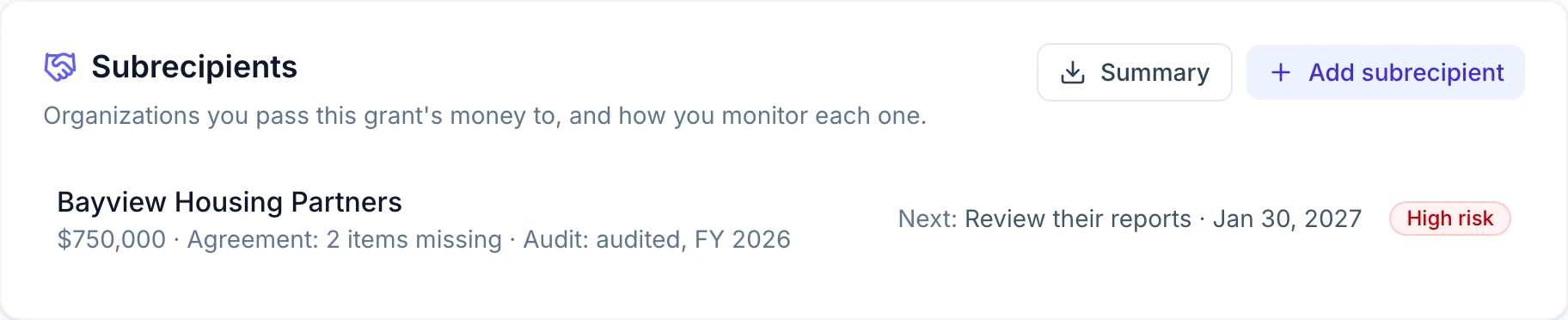
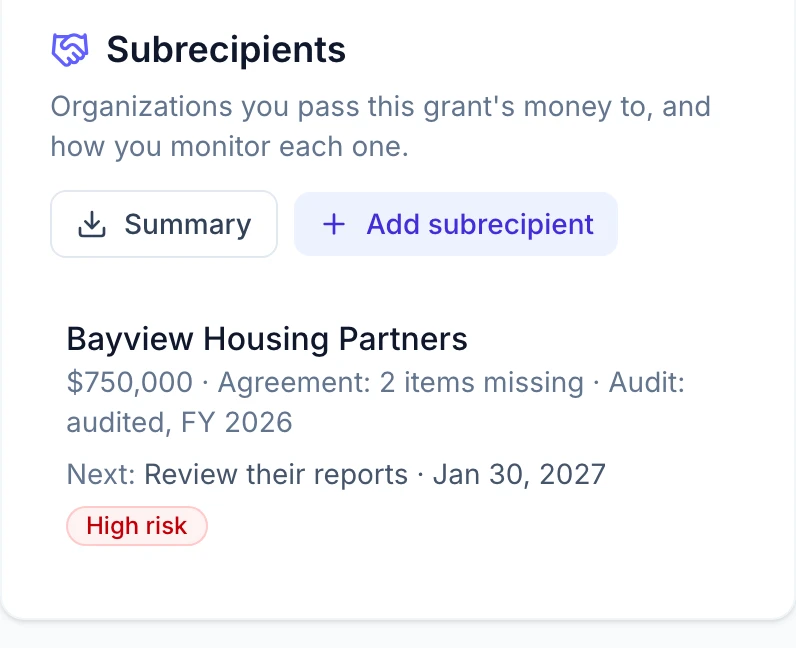
Add each organization you pass the grant's money to. One line shows the subaward, what the agreement is missing, the audit status, what is due next and the risk rating.
- Subaward amount, dates and Unique Entity ID
- The date you checked SAM.gov for exclusions
- One spreadsheet of every subrecipient for your auditor or board
Five questions set the monitoring schedule
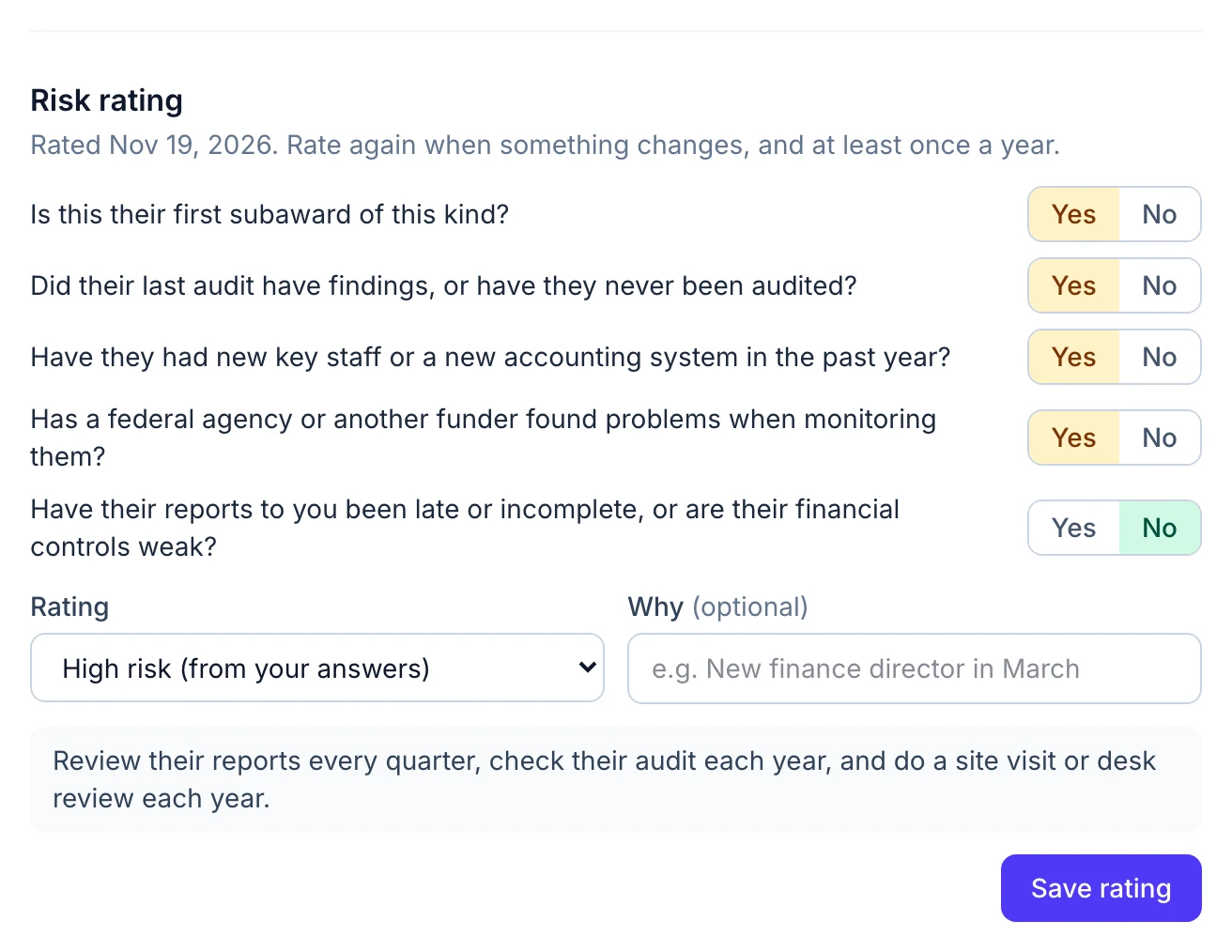
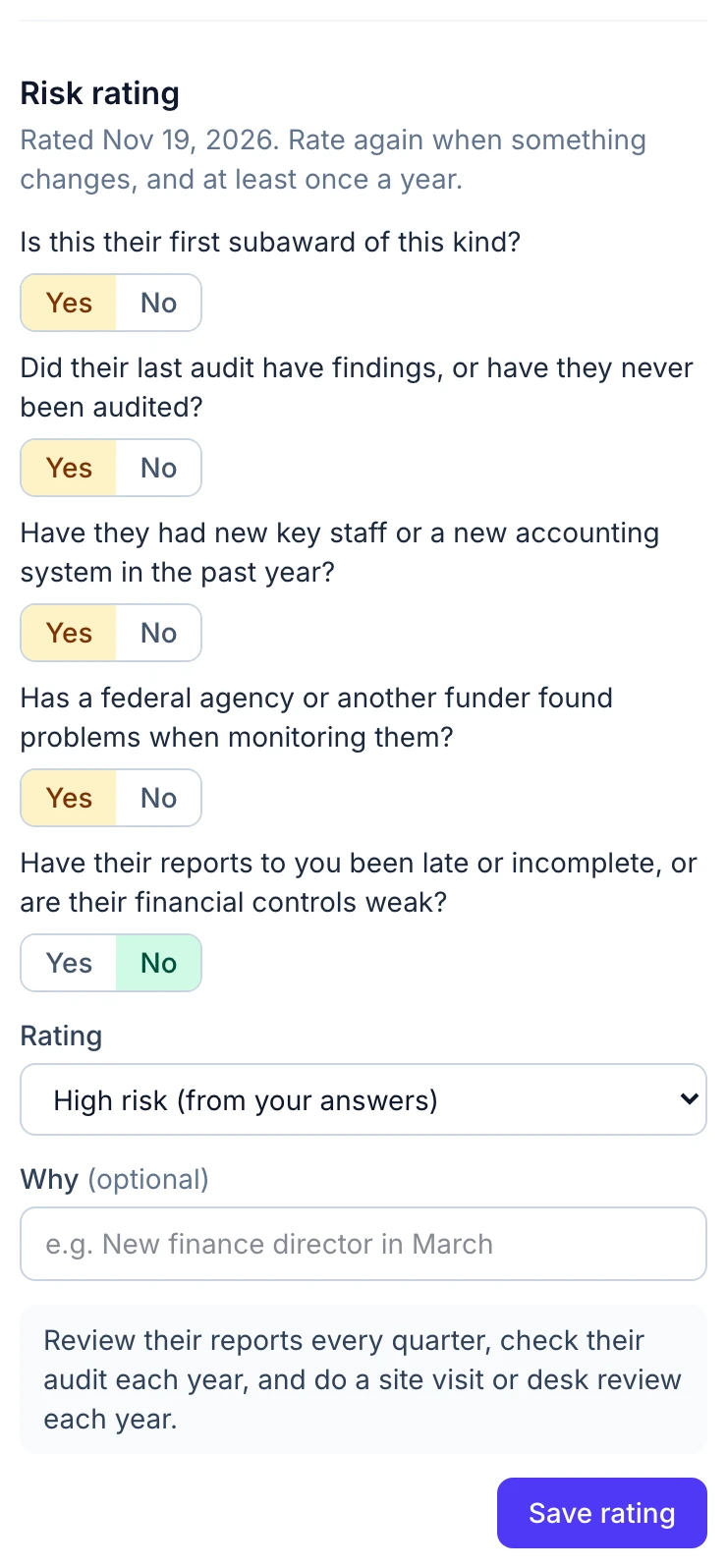
Answer five yes-or-no questions drawn from the rule and GrantGuard rates the subrecipient low, medium or high. You can change the rating and note why. It records who rated it and when.
- Low risk: review their reports twice a year
- Medium risk: review their reports every quarter
- High risk: quarterly reviews and a yearly site visit or desk review
- Everyone: a yearly Single Audit check
It reads the subaward agreement for you
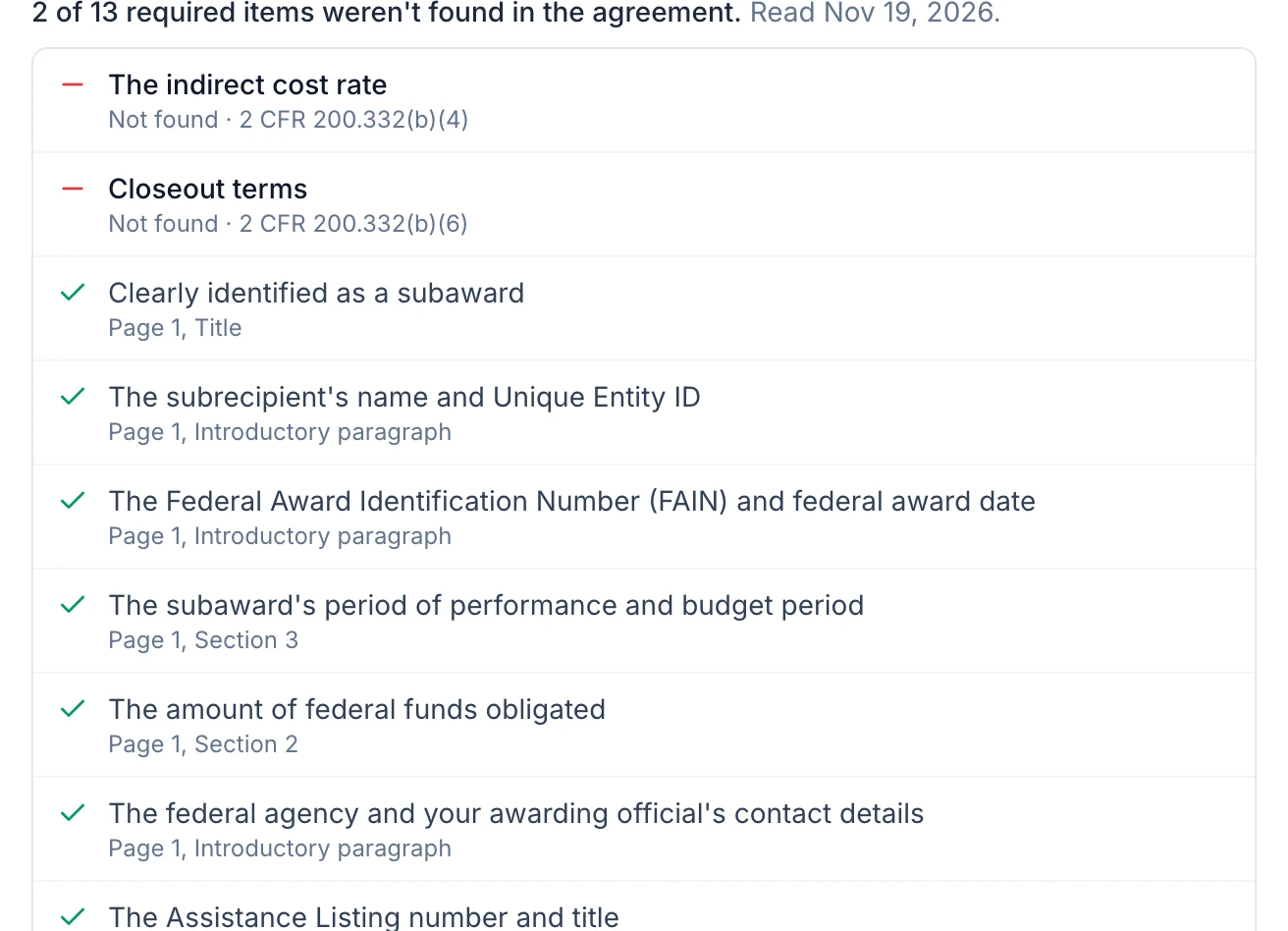
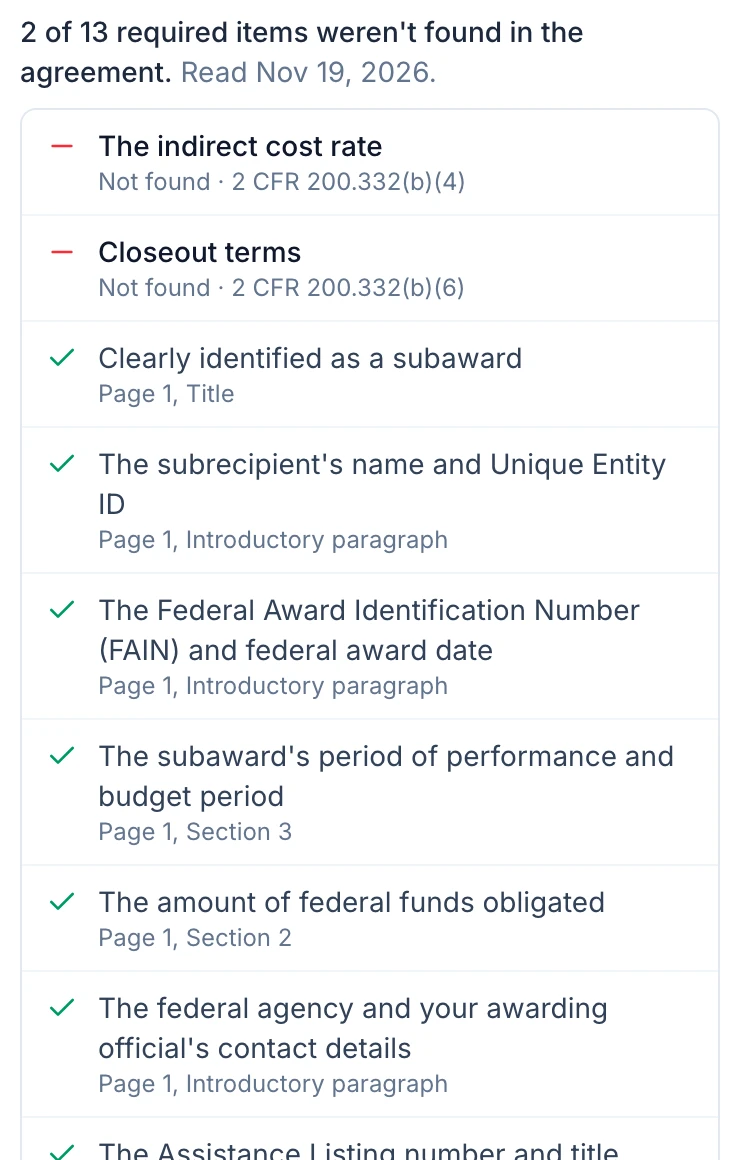
Choose the signed subaward and GrantGuard checks it against the 13 items the rule requires. It lists what it couldn't find first, and gives the page and section for everything it did.
- Fills in the amount, dates and entity ID it read
- Flags a file that isn't a subaward agreement
- A starting point for your own review, not a legal opinion
And it ties into the rest of the grant
Each duty has an owner and a reminder
Report reviews, the audit check and site visits are requirements on the grant, so they sit on your calendar, email their owner before they are due, and hold the proof you attach.
Payments by subrecipient
Mark an expense as paid to a subrecipient and say which one. Each shows what it has been paid against its subaward. Importing a ledger file matches payments to subrecipients by name.
Ready for the Single Audit
Amounts passed to subrecipients fill their own column on your draft Schedule of Expenditures of Federal Awards, and the audit binder lists every subrecipient with its rating and audit check.
Findings get followed up
Record audit findings that touch your subaward and GrantGuard opens a task for your management decision, due in six months.
What it doesn't do
- Subrecipients don't log in. There is no portal for them to apply, submit reports or request payment.
- It doesn't run a competitive award process: no applications, scoring or award letters.
If you need those, a larger grants management platform is the better fit, and our buyer's guide says which ones offer them. GrantGuard is for keeping your own monitoring file complete.
Questions about subrecipient monitoring
What is subrecipient monitoring?
When you pass part of a federal grant to another organization to carry out the program, you become a pass-through entity and take on the job of overseeing it. Under 2 CFR 200.332 that means a subaward with the required information, a risk rating for each subrecipient, monitoring that matches the risk, and a check that each one was audited when it had to be.
Do our subrecipients log in to GrantGuard?
No. GrantGuard keeps your side of the file: the agreement, the risk rating, your reviews of what they send, the audit check and the money paid. Subrecipients keep sending you reports the way they do now, and you attach them to the review they belong to.
Is this an extra charge?
No. Subrecipient monitoring is included in every plan, from $199 a month, with a free 30-day trial and no card needed.
Does it work for a nonprofit that passes funds to partner agencies?
Yes. The rule applies to any organization that passes federal funds to a subrecipient: cities and counties, states, school districts and nonprofits alike. You can also use it on grants that aren't federal if you want the same file for those partners.
How does GrantGuard decide the risk rating?
It counts the risks in your five answers: none is low, one or two is medium, three or more is high. The questions come from the factors the rule names. The rating is yours to change, with a note saying why, because your own policy may weigh things differently.
Still have a question? Book a 45-minute demo, send us a message, or start your free trial.

See your subrecipient file come together
Start a free 30-day trial, add a subrecipient to one of your grants and rate its risk. Or book a 45-minute demo and we'll walk through it together.
No credit card required · Workspace ready in about a minute